

Plan the activity
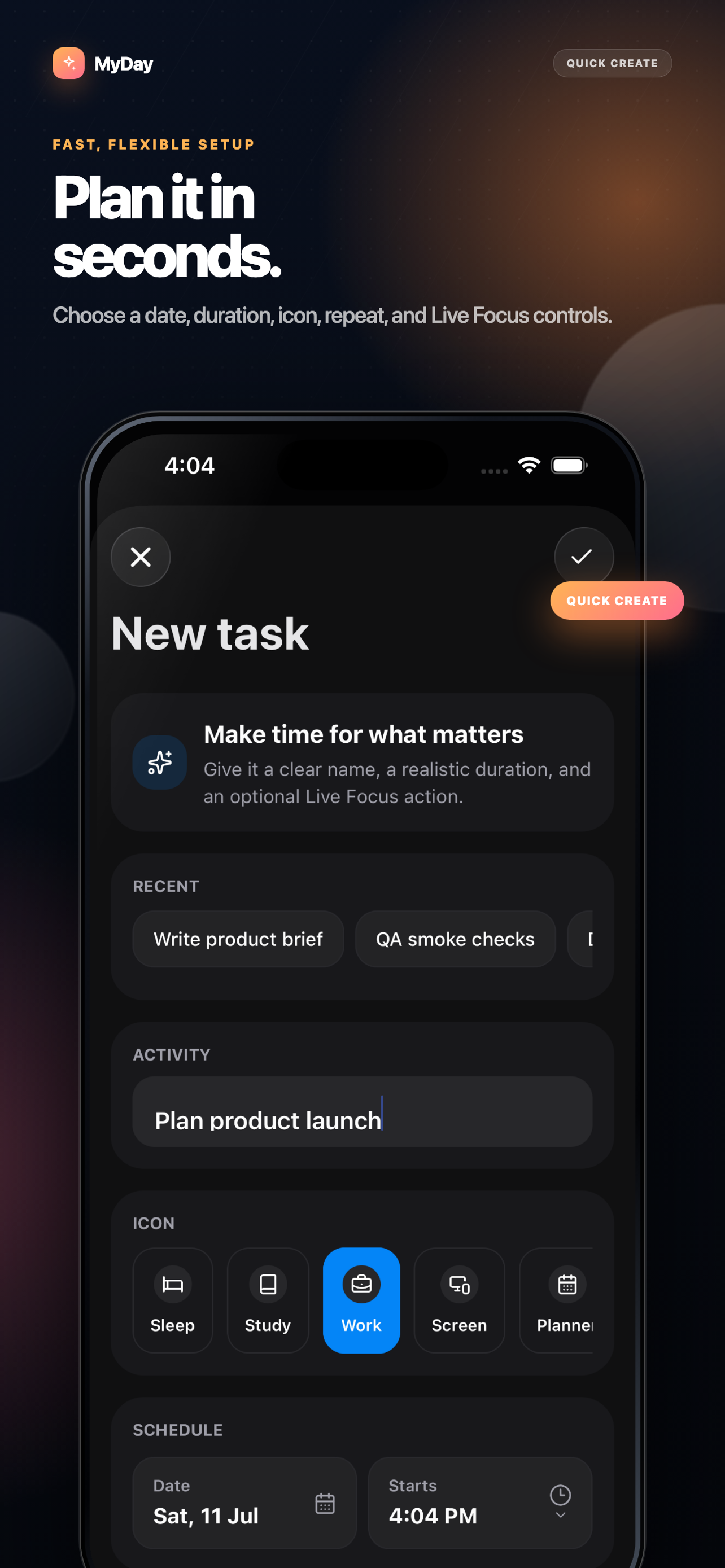
Choose a time, duration, icon, repeat schedule, and optional Live Focus controls.
MyDay 3.0 Built for the rhythm of today
Plan one activity, keep it live on your Lock Screen and Dynamic Island, finish it, and move on with less friction.
A calmer daily rhythm
MyDay keeps the workflow simple enough to use every day.
Choose a time, duration, icon, repeat schedule, and optional Live Focus controls.
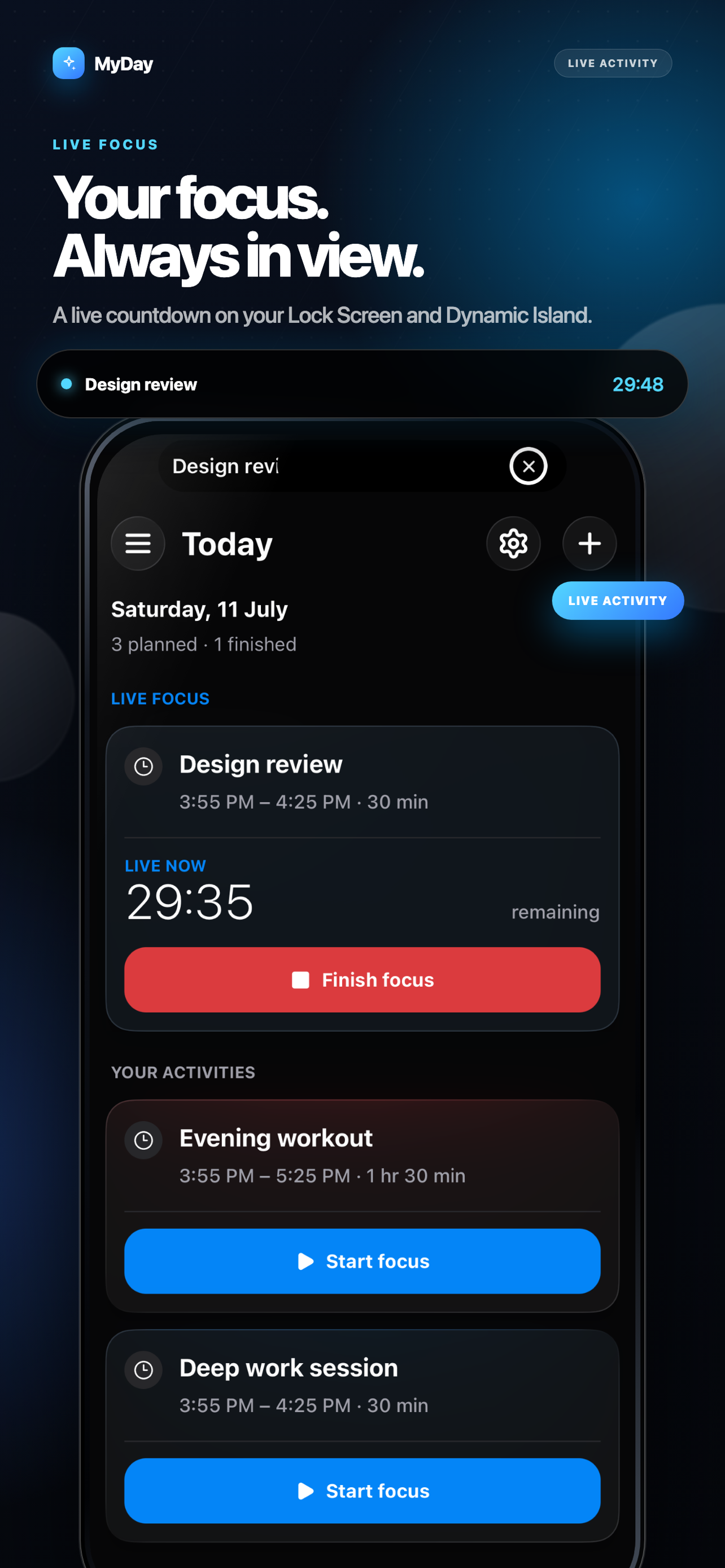
Keep a real-time countdown visible without repeatedly opening the app.
Complete or skip from the Lock Screen, then give your attention to what comes next.

Live Focus
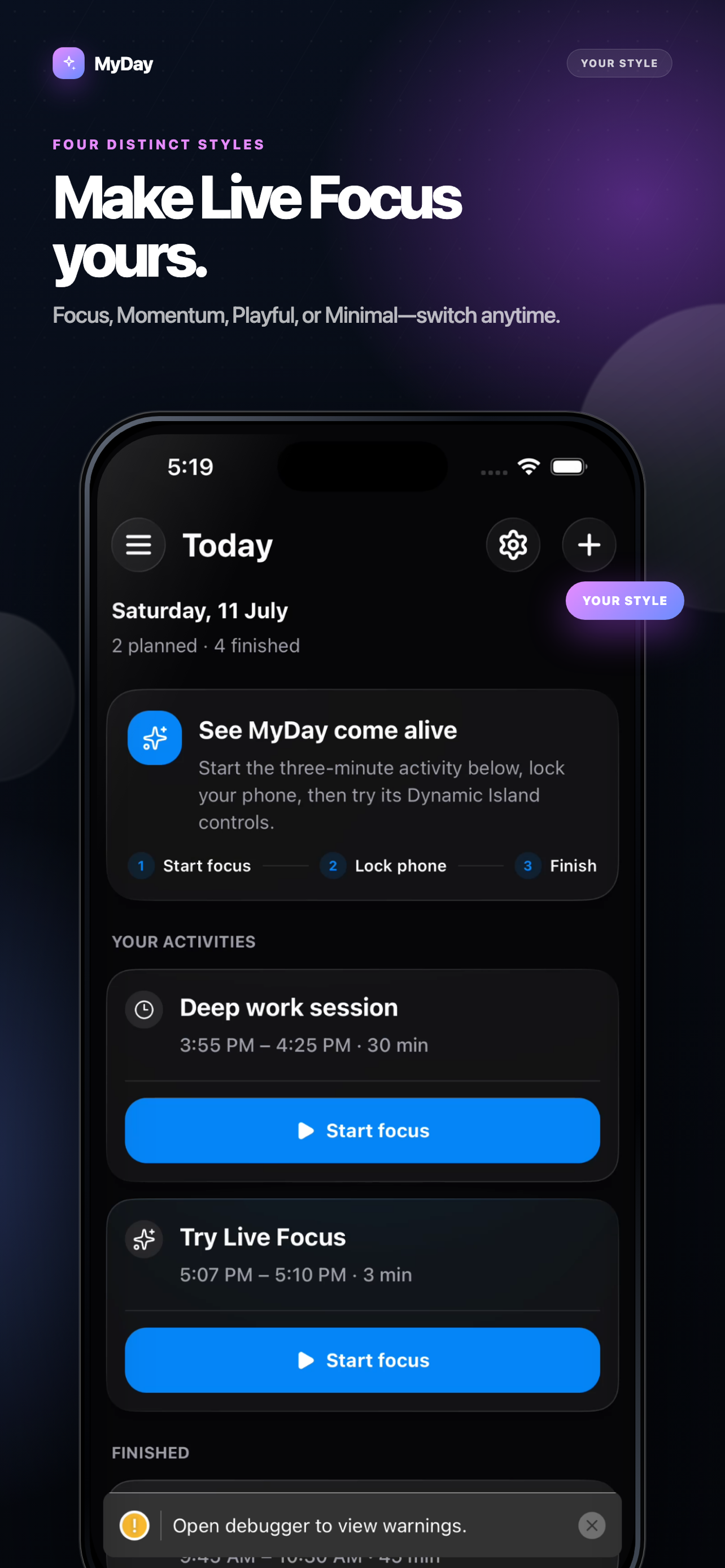
A clear countdown follows you to the Lock Screen and Dynamic Island, with controls that let you finish or skip without breaking concentration.
Built around your day
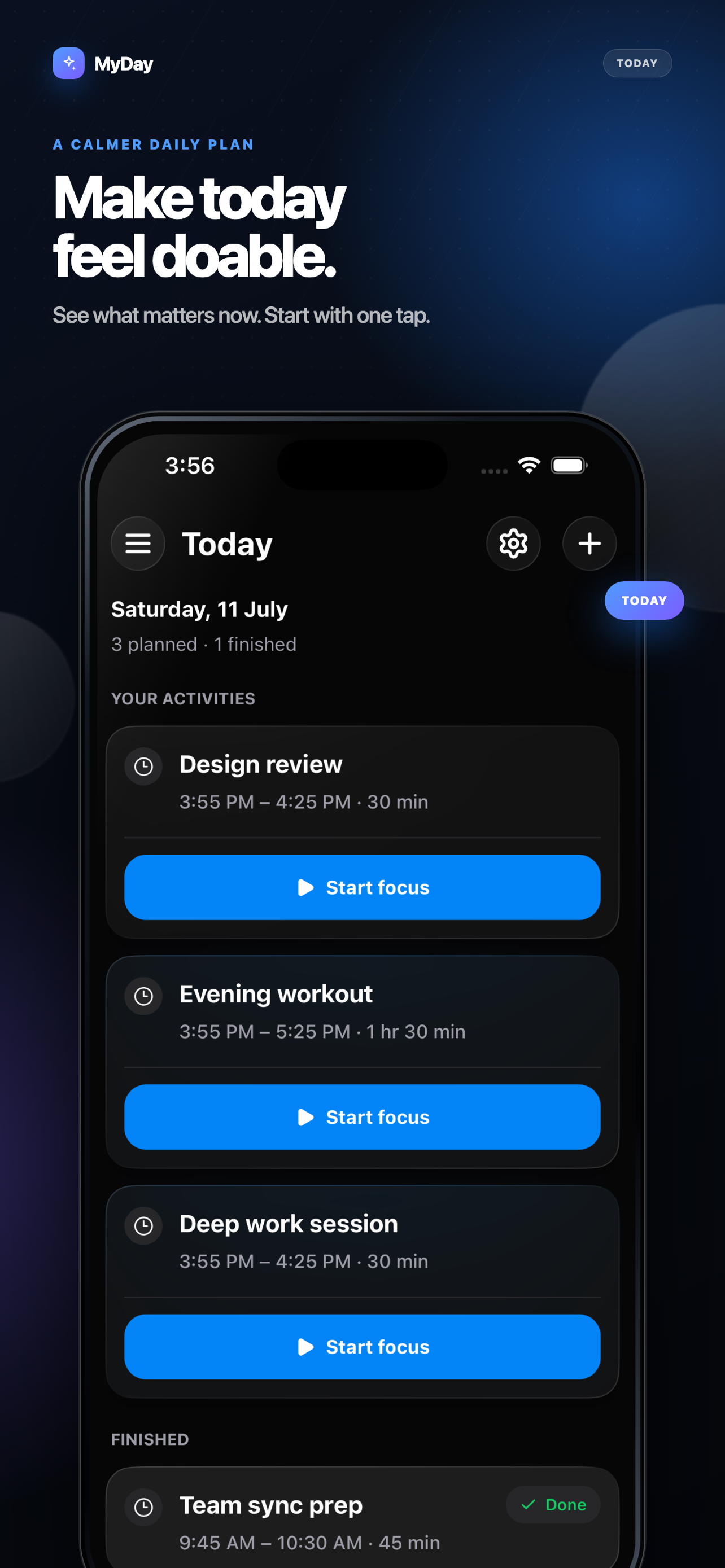
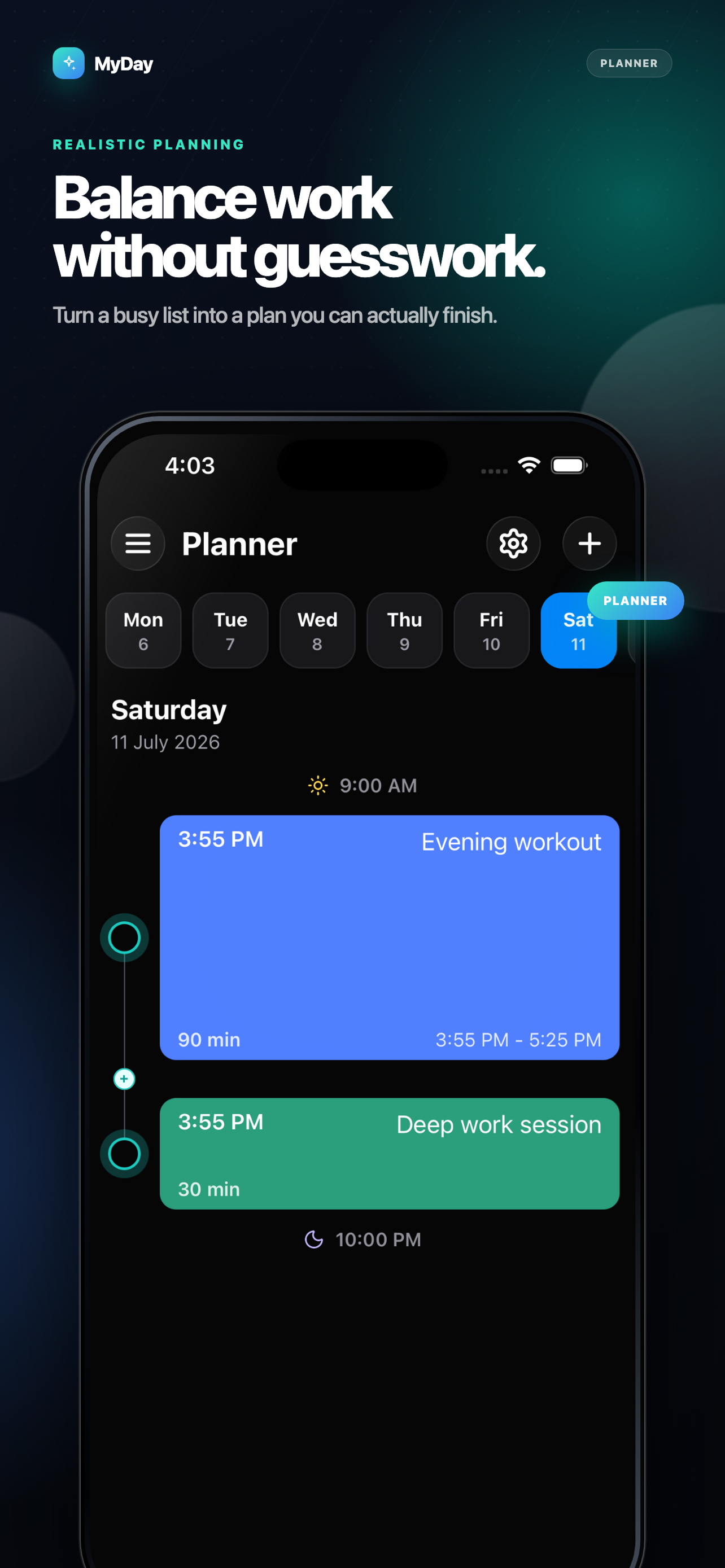
See what matters now, then zoom out when you need the full picture.
Separate active, planned, and finished work without turning your day into a dashboard.
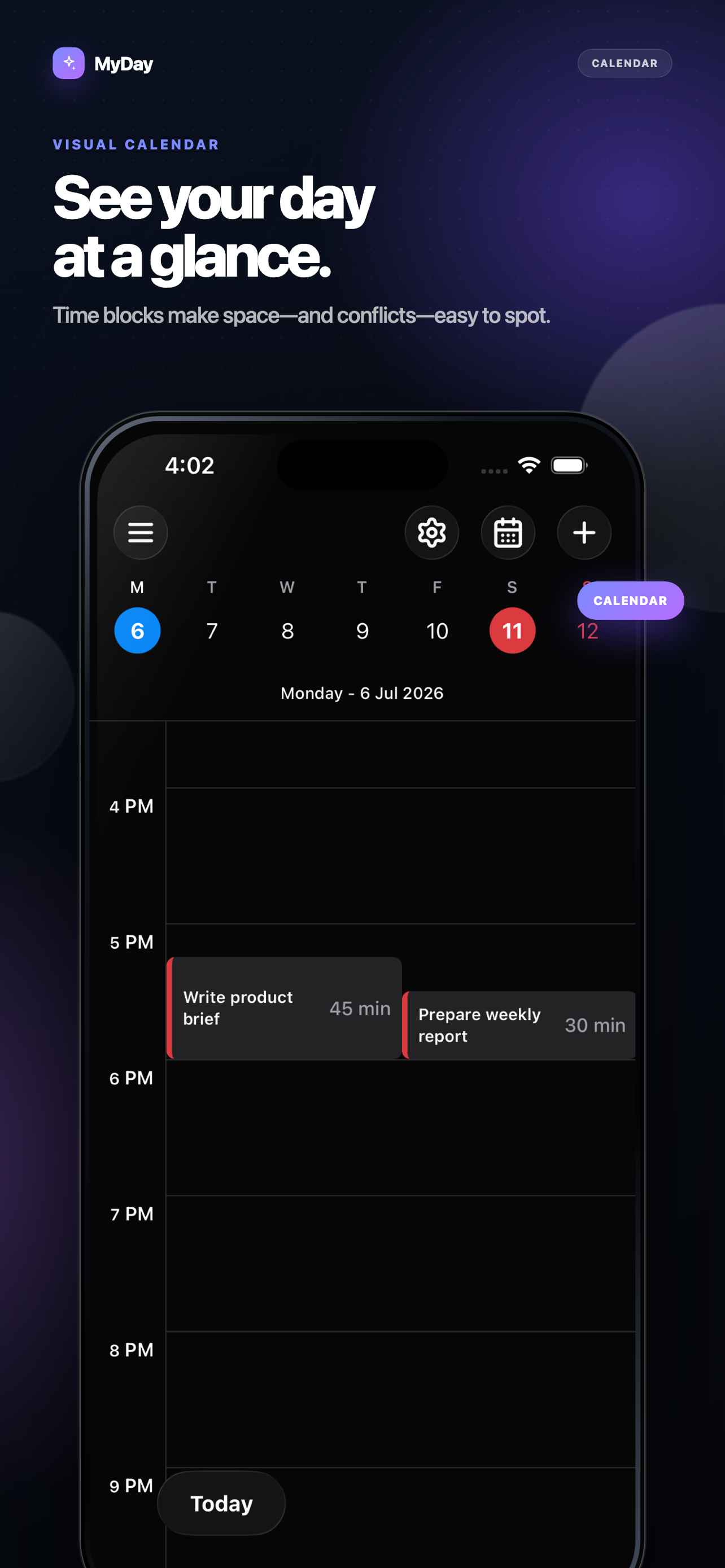
Place activities precisely, spot conflicts, and drag plans into a more realistic shape.
Review workload, collisions, open space, and practical ways to rebalance the schedule.
Create daily, weekday, weekly, or custom routines without rebuilding the same plan.
Use light mode, dark mode, and Dynamic Type throughout the app.
Inside MyDay
Swipe through the latest App Store screenshots.
What’s new
Version 3.0The latest MyDay release makes daily planning calmer, easier to learn, and more expressive on the Lock Screen.
Read the full changelog →Privacy by design
MyDay is ad-free. You can start without providing a name, email address, or phone number. Notifications and anonymous diagnostics are optional, and activity names are excluded from analytics events.
Read the privacy policy →Start with one activity